01
Capture the work
Record meaningful clicks, shortcuts and application changes while the task is completed normally.
Turn the way work is actually done into polished SOP documents, guided training and knowledge checks—without sending your screenshots to an AI service.
 SOP Capture Studio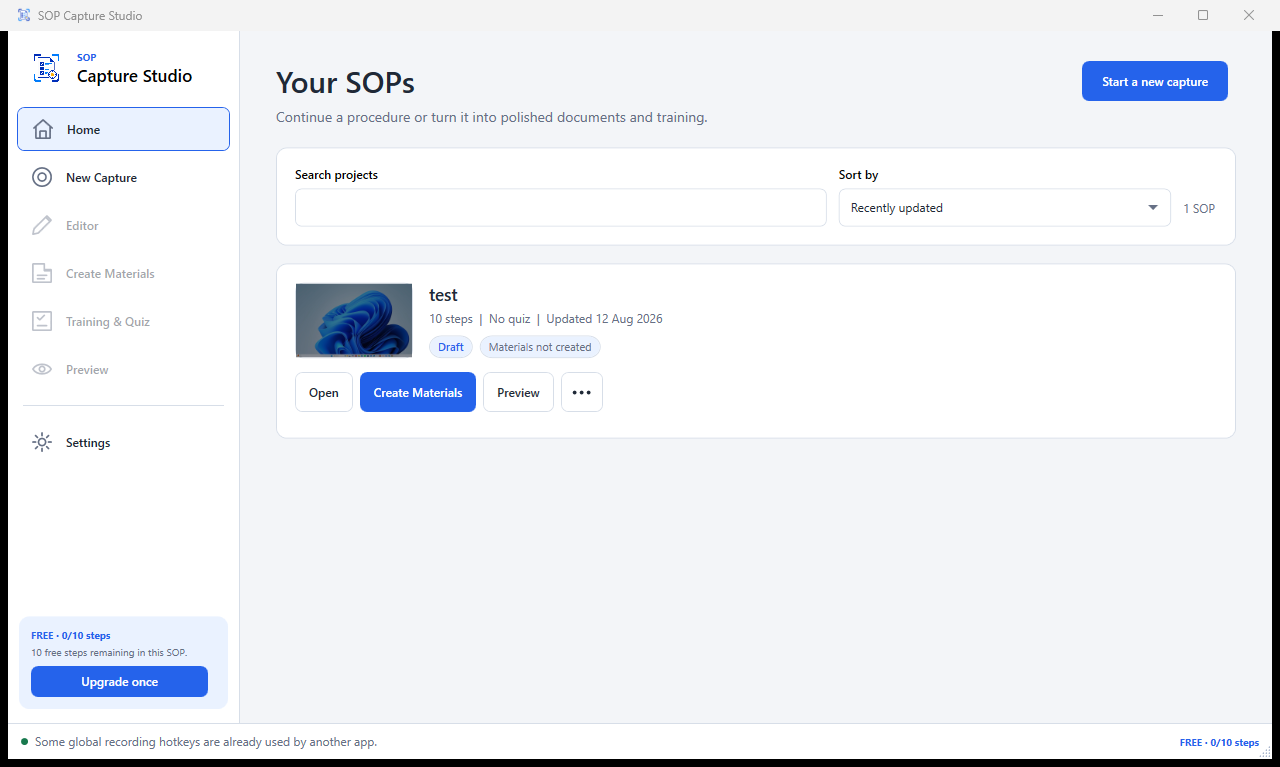
Record a real workflow, refine only what matters, then create materials people can use immediately.
Record meaningful clicks, shortcuts and application changes while the task is completed normally.
Edit instructions, annotate screenshots, organise steps and add knowledge checks in one focused workspace.
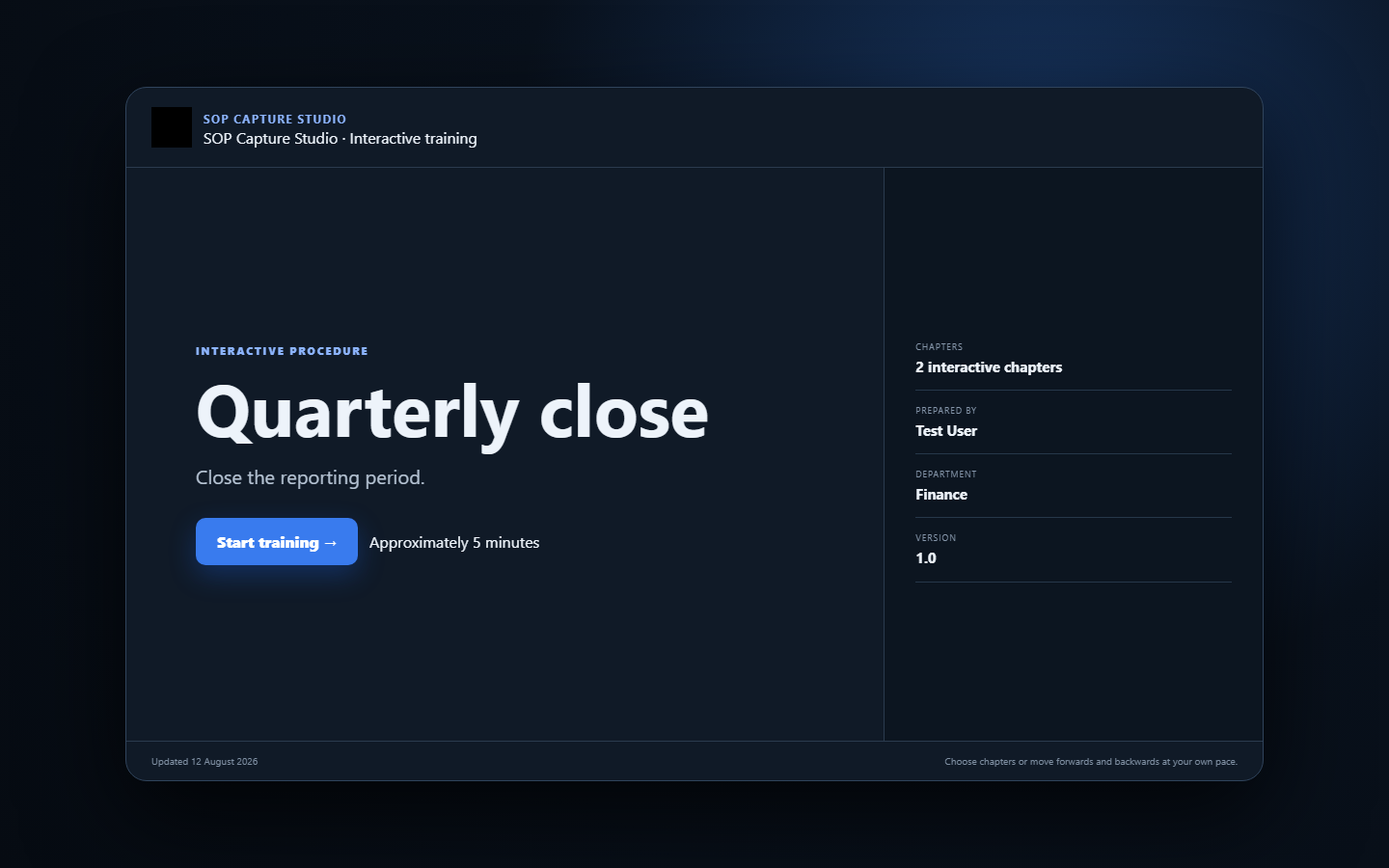
Create a branded document and self-contained interactive training package—ready to share or print.
Purpose-built for people who document processes, onboard colleagues and keep operational knowledge current.
Deterministic, on-device instruction generation prioritises the control, application and immediate action.
Crop, annotate, highlight and refine screenshots while preserving the original capture.
Ask learners where to click and give clear visual feedback on the correct control.
Multiple choice, true or false, fill in the blank, screenshots and keyboard shortcuts.
Projects, screenshots, settings and logs are stored locally. No third-party generative AI API is required.
Every captured procedure can become a clear document and a portable, browser-based learning experience.
Create procedures with up to 10 steps in the free edition. SOP Capture Studio Full removes the step limit with a one-time Microsoft Store purchase.
No. Projects and screenshots are stored locally on your PC. Exported materials go only to the location you choose.
No. Instruction generation is deterministic and local; it does not depend on a paid generative AI API.
Yes. Interactive training is exported as a self-contained HTML file that opens in a modern browser.
The application is designed for supported 64-bit Windows 10 and Windows 11 PCs.